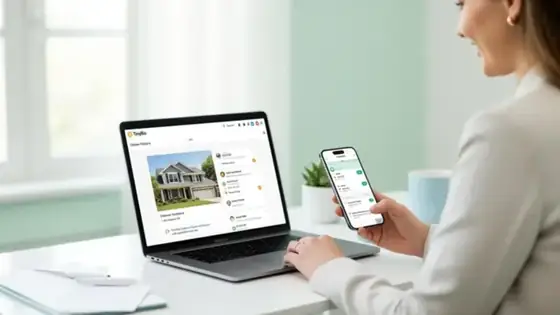
Best Way for Realtors to Share Listings in One Link
Stop pasting MLS URLs into every Instagram caption and DM. Here's how top realtors are using a single link in bio to showcase every active listing, capture buyer leads, and book more showings — without sending people to a clunky brokerage site.
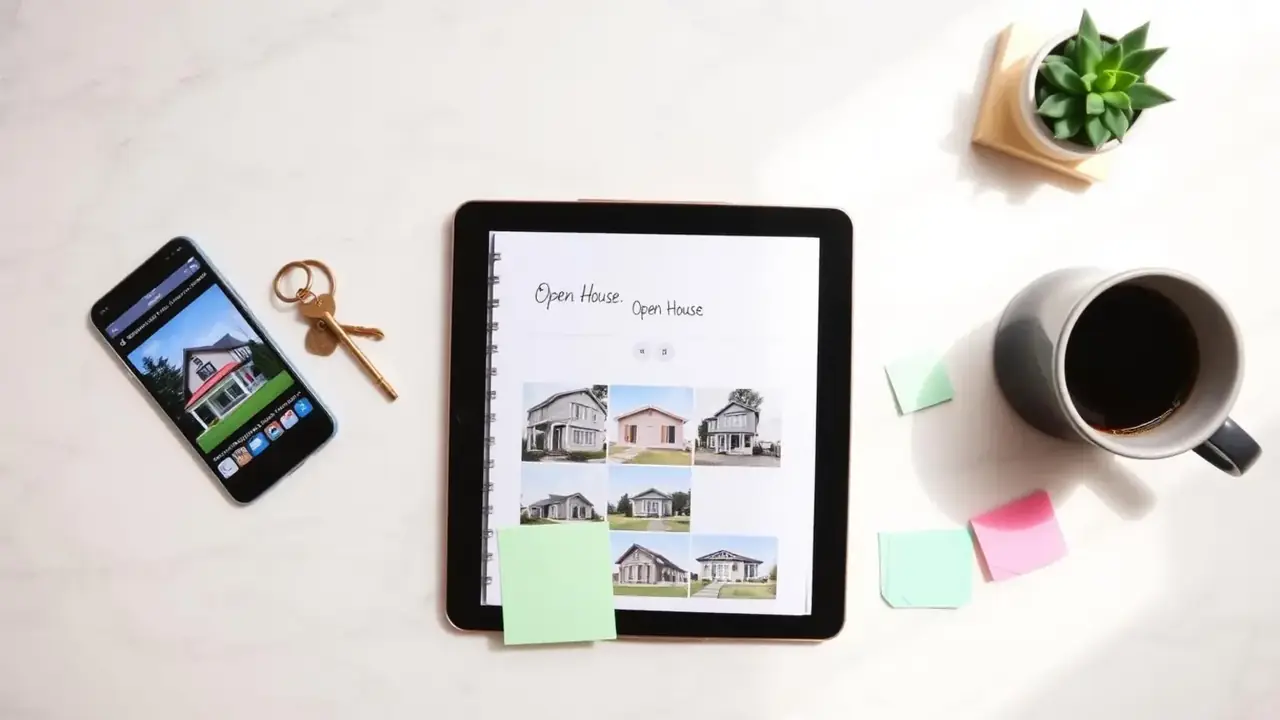
If you're a real estate agent in 2026, your phone is your office and Instagram is your storefront. A walk-through reel hits 80,000 views, your DMs fill with "Is this still available?", and you're left copy-pasting MLS links from Notes into a dozen different conversations. Meanwhile your bio link points at a generic brokerage homepage where buyers scroll for thirty seconds and bounce.
There's a better way. The realtors closing the most deals from social aren't running ads or building a custom site — they're using one smart link in bio that doubles as a mini listings hub. Below is exactly how to set it up so every Instagram view, TikTok comment, and "saw your reel" DM leads back to one beautiful, conversion-focused page.
Why one link beats every other realtor lead source
Buyers don't want to navigate. They want to scroll. A bio link page lets them swipe through your active listings the same way they swipe through Instagram — fast, image-first, and on the same device they were just on. No login, no zip code search, no "create an account to save". The friction every brokerage site has spent ten years adding is exactly what's costing you leads.
On top of that, a personal link in bio puts you — the agent — at the center, not your brokerage. The buyer remembers your name, your face, and your phone number. That's how repeat business and referrals actually start.
Tap your own bio link from your phone. Count the seconds until you can see an actual listing photo. If it's more than 3, you're losing buyers every day.
1. Build your link page like a mini listings feed
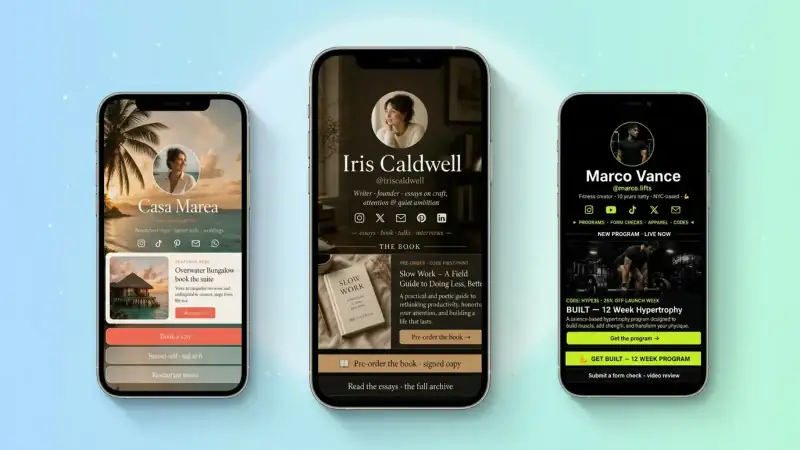
Your bio link should look and feel like a curated set of homes — not a list of random URLs. Treat each active listing as its own block with a real photo, the price, the neighborhood, and a one-tap action.
A clean structure that converts:
- 1Headline block — your name, market (e.g. "Maya Chen · Austin Realtor"), and one line of positioning ("Helping first-time buyers find homes under $600k")
- 2Featured listing — the home that's getting the most attention this week, big image, address, price, "Book a showing" button
- 3Active listings — three to six current homes, each as its own block with photo, price, beds/baths, and a tap-to-see-more link
- 4Open house schedule — this week's dates and addresses, one tap for directions
- 5Buyer or seller contact form — short, mobile-first, captures the lead instantly
Six to eight blocks total is the sweet spot. More than that and you've rebuilt the brokerage site you were trying to escape.
2. Make every listing tap-to-text or tap-to-call
Buyers in discovery mode hate filling out forms but love sending a quick text. Pair every listing block with a click-to-text or click-to-call link that pre-fills the address: "Hi Maya, interested in the 4910 Brentwood listing". One tap, message sent. You'll see your inbound leads multiply almost overnight.
For the listings page itself, link out to the full MLS or IDX page — but keep the contact action native to your bio link. The buyer never has to type, search, or log in to reach you.
3. Use a separate buyer and seller path
Realtors who try to speak to buyers and sellers in the same hero block convert neither. The two audiences want completely different things.
- Buyers want to scroll homes, see prices, book showings, get area guides
- Sellers want a free home valuation, recent sold comps, and proof you can market a property
Add two clearly labelled blocks near the top: "🏡 I'm buying — see active homes" and "💰 I'm selling — get a free home value". Each links deeper into the page (or a dedicated section) tailored to that journey. You'll qualify the lead before the conversation even starts.
4. Capture seller leads with a free home valuation
Listings get the views; sellers pay the bills. The single highest-leverage block on your bio page is a "Get your free home value in 24 hours" form. It's low-commitment, instantly relevant, and qualifies a homeowner as someone at least curious about selling.
Keep the form short — name, phone, address, optional time-frame. Promise a personal response, not an automated estimate. The follow-up call is where your expertise actually wins listings, and that conversation only happens if the form gets filled out.
5. Add area guides — the sneaky SEO win
Out-of-town buyers search Google for "best neighborhoods in [your city] for families" or "living in [neighborhood] guide" before they ever pick an agent. A short area guide block on your bio link page ("Neighborhood guides — East Austin, Mueller, South Lamar") gives buyers exactly what they're searching for and positions you as the local expert.
Even three short guides — written once — keep paying off forever. Pair each with a contact CTA at the end ("Looking in this area? Send me a quick text") and you'll convert browsing into booked tours.
6. Refresh listings as fast as you post reels
The realtors winning on Instagram aren't the ones with the prettiest sites — they're the ones whose bio link is updated within an hour of a new listing going live. The reel and the link go up together. Comments roll in. Buyers tap, see the home, text you.
On TinyBio you can drag a new listing block to the top in seconds and reorder by demand. Sold something? Mark it "Just sold" and leave it up for a few days as social proof — it's the closest thing to a free billboard you'll ever own.
After a listing sells, swap the block to a "Just sold in 6 days — want yours next?" CTA pointing at your seller form. You'll convert curious neighbors into listing appointments.
7. Make it load instantly on every phone
Real estate buyers are mobile-first and impatient. A page that takes four seconds to load on a parking-lot LTE connection is a page that loses leads. TinyBio pages load in under two seconds on mobile by default — lightweight design, optimized images, served from edge servers around the world. No tracker bloat, no carousel libraries, no autoplay video draining their battery.
If you're currently sending people to your brokerage site, run it through Google's PageSpeed Insights. Anything under 90 on mobile is quietly killing your conversion rate.
8. Track which listings actually drive showings
You can't optimize what you can't see. Most agents have no idea which listings get the most clicks from social, which area guides bring in qualified buyers, or which CTAs sellers actually fill out.
TinyBio shows page views, unique visitors, and click-through rate per block by default. Once a week, look at the numbers. Move the highest-converting listing higher. Test a new headline on your seller form. Kill any block under 1% CTR. Compounded over a quarter, this single habit will outperform any new posting strategy.
Your realtor link-in-bio checklist
Open your link page right now and check:
- 1Can a buyer see at least one real listing photo within 2 seconds of loading?
- 2Is there a clear path for buyers AND a separate path for sellers?
- 3Does every listing have a tap-to-text or tap-to-call action?
- 4Is there a free home valuation form for seller leads?
- 5Do you update the page within an hour of every new listing or sold post?
If you said "no" to even two of those, you have an obvious upgrade waiting — and it's almost certainly worth more in commission than any ad spend you'd put behind it. Build a focused, fast, listings-first TinyBio page in two minutes, swap your Instagram bio link, and start counting the showings.
Free, mobile-fast, no credit card. Drag in your listings, add a free home valuation form, and turn every Instagram and TikTok view into a real conversation with a real buyer or seller.
Build a bio link page that converts
Free, beautiful, fast. Drag, drop, share — your audience does the rest.
Create your TinyBio