Free QR Code Generator for Your Business (And What to Link It To)
A free QR code generator is only useful if it sends people to the right destination. Here's what businesses should link their QR codes to, where to place them, and how TinyBio.me helps turn scans into clicks, leads, and sales.
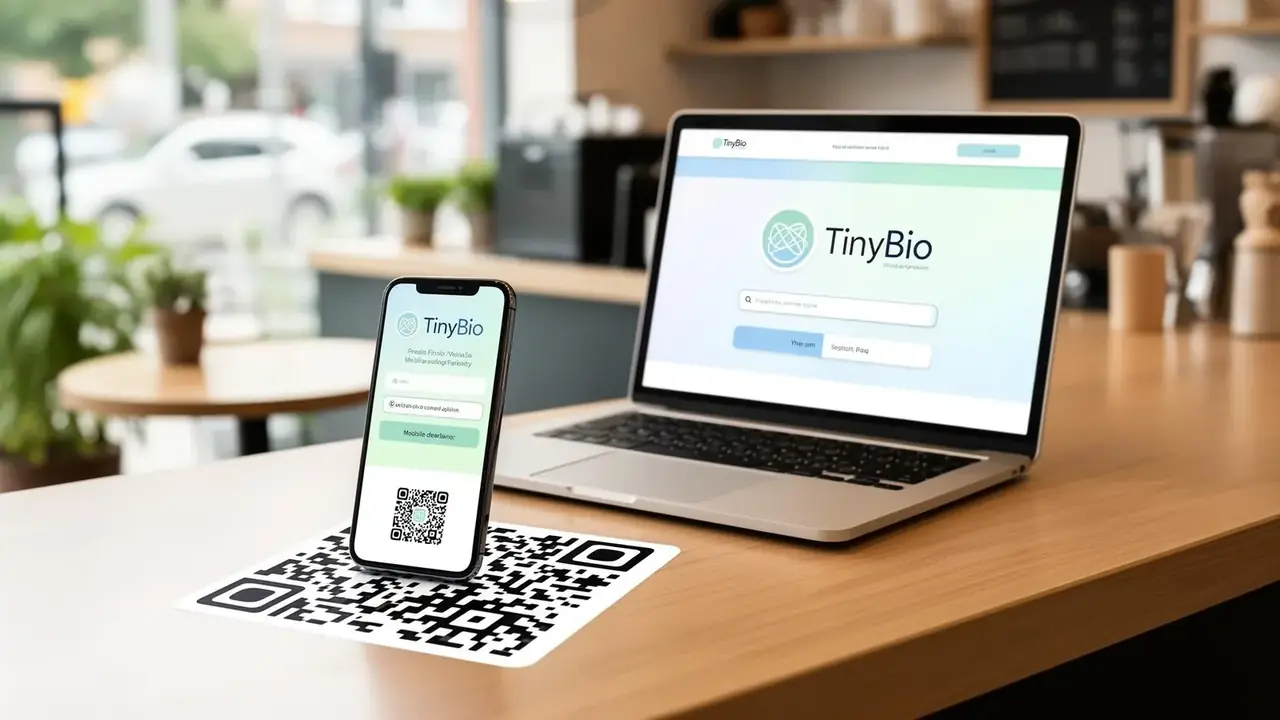
Every small business owner eventually hears the same advice: put a QR code on it. Put one on the front desk. Put one on the menu. Put one in the window, on the flyer, on the packaging, on the trade show booth. The advice is not wrong. The problem is that most businesses stop at the QR code itself and never think hard enough about the page behind it.
A QR code is not a marketing strategy. It is just a shortcut. If the destination is slow, confusing, or generic, the scan goes to waste. If the destination is focused, mobile-friendly, and built around one clear action, the same scan can become a booking, an email signup, a review, or a sale. That is why the smartest way to use a free QR code generator is to pair it with a TinyBio.me page designed specifically for the person doing the scanning.
What a business QR code should actually do
A business QR code should remove friction. Someone sees your sign, product, menu, or flyer and wants the next step immediately. They do not want to pinch-zoom a PDF, land on a cluttered homepage, or guess where to click next. The goal is to make the scan feel like progress, not work.
- A restaurant wants the scan to open a mobile menu, reservation link, or order page
- A service business wants the scan to trigger a quote request, phone call, or booking form
- A retailer wants the scan to show featured products, a discount code, or store directions
- A creator or consultant wants the scan to collect an email, share offers, or book a call
Do not ask a QR code visitor to figure things out. Send them to a page that tells them exactly what to do next in under five seconds.
Why linking to your homepage is usually the wrong move
Most homepages are designed for broad discovery, not instant action. They are trying to explain the brand, show multiple navigation paths, and work for many types of visitors at once. That is fine when someone is browsing intentionally. It is not ideal when someone is standing in your shop, holding your flyer, or glancing at a poster for two seconds.
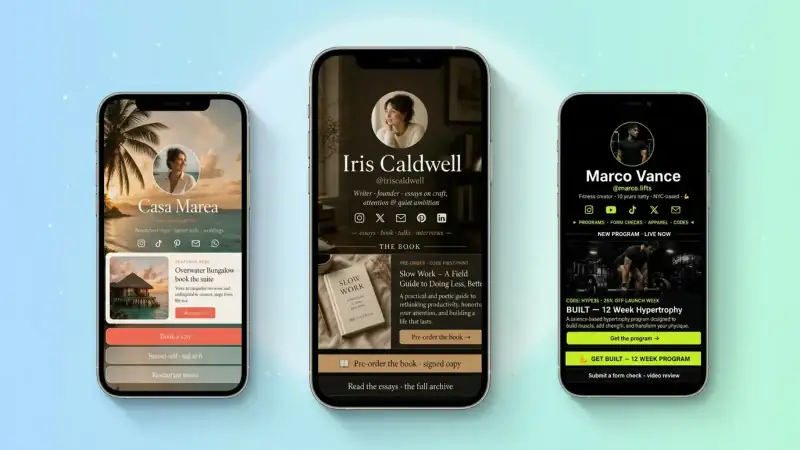
A TinyBio.me page works better because it is compact, mobile-first, and purpose-built for the scan. Instead of sending people into a maze, you can send them into a clear flow with the top three actions you care about right now.
What to link your business QR code to instead
The best QR code destination depends on where the code appears and what the customer is trying to do in that moment. Here are the highest-performing destinations for most small businesses.
1. A TinyBio.me landing page
This is the most flexible option because it gives you one stable link that can hold multiple high-intent actions. A customer can scan and instantly choose whether to call, browse products, book, leave a review, or follow you on social. It is ideal for window signage, product packaging, business cards, event booths, and any asset where multiple visitor intents are likely.
2. A booking or quote form
If the whole purpose of the printed material is lead generation, skip the extra choices and send people directly to a form. This works well for plumbers, cleaners, realtors, contractors, photographers, coaches, and salons. The copy around the QR code should make the benefit obvious: 'Scan for a free quote' is much stronger than 'Learn more'.
3. A menu, order page, or product collection
Restaurants, cafés, food trucks, and retailers often get the best results by sending QR traffic to a lightweight, mobile-first commerce destination. The key is speed. If the scan opens a giant site that takes five seconds to load and three taps to order, people bounce. If it opens a neat menu or a curated product collection, they keep going.
4. A review request page
Not every QR code needs to sell immediately. Some should deepen trust. Put a QR code on receipts, packaging inserts, tables, or checkout counters that sends happy customers to your review page. A TinyBio.me page can make this even more effective by letting people choose between Google reviews, Yelp, Facebook, or a quick referral form.
Where businesses should place QR codes for the best results
Placement matters more than most people think. A QR code works best when it appears at the exact moment someone wants more information or is ready to act.
- 1Storefront window: perfect for hours, directions, menus, offers, or after-hours inquiries
- 2Product packaging: ideal for reorders, tutorials, loyalty programs, and review requests
- 3Business cards: useful when you want one smart destination instead of cramming too many details on paper
- 4Flyers and posters: strongest when paired with a specific offer or event CTA
- 5Tables, menus, and counters: great for orders, specials, feedback, and tips
- 6Trade shows and pop-ups: excellent for lead capture, product catalogs, and follow-up offers
If you are printing a QR code, always ask what the person scanning it wants in that exact context. Build the destination around that answer.
How TinyBio.me makes a free QR code more useful
The problem with linking a QR code directly to one fixed page is that your business changes. Maybe this month you want to push catering inquiries. Next month you want holiday orders. Next quarter you want review generation. TinyBio.me solves that by giving you one stable URL behind the code while letting you update the actual destination experience whenever your priorities change.
- Keep the same QR code printed everywhere while updating the top CTA anytime
- Add multiple actions without overwhelming the visitor
- Send people to a mobile-friendly page instead of a generic desktop homepage
- Track clicks so you learn which scans actually lead to action
The best QR code is not the fanciest one. It is the one that sends people somewhere useful, fast.
Common QR code mistakes businesses should avoid
- Linking to a generic homepage with too many choices
- Using tiny print sizes that are hard to scan
- Placing codes where there is poor lighting or no signal
- Forgetting to add a short line of instruction near the code
- Printing a code once and never updating the page behind it
A QR code with no context often underperforms. Tell people what happens when they scan: 'Scan to book', 'Scan for menu', 'Scan for 10% off', or 'Scan to get a quote'. Clear language lifts scans because the value is obvious before the camera even opens.
A simple setup that works for almost any business
- 1Create a TinyBio.me page with your top three actions
- 2Make the first button match the reason most people will scan
- 3Generate a QR code pointing to that TinyBio.me URL
- 4Place it on the assets where customer intent is already high
- 5Review clicks monthly and change the top CTA when your business priorities shift
Your QR code checklist
Before you print or share your next QR code, check these five things:
- 1Does the scan open a mobile-friendly page in under two seconds?
- 2Is the first action clearly tied to the reason someone is scanning?
- 3Does the page avoid unnecessary navigation and clutter?
- 4Do you explain what people get when they scan?
- 5Can you update the destination later without reprinting everything?
If you can answer yes to all five, your QR code is doing real work for the business instead of just looking modern on a flyer.
Create a TinyBio.me page, point your QR code at it, and turn every scan into a cleaner path to bookings, sales, reviews, and repeat customers.
Build a bio link page that converts
Free, beautiful, fast. Drag, drop, share — your audience does the rest.
Create your TinyBio