How Local Businesses Use QR Codes to Get More Customers
QR codes on signs, trucks, flyers, doors, and tables are the cheapest marketing channel a local business has — if the link goes somewhere worth scanning. Here's exactly where to put them and what to send people to.
Five years ago, asking someone to scan a QR code felt awkward. Today it is muscle memory. Every restaurant menu, every parking meter, every event ticket, every hardware store rebate is a QR code. The behavior is locked in — phones come out, cameras open, links resolve. For a local business, that is the cheapest, most repeatable acquisition channel you have access to. The catch is that almost everyone wastes it by linking to the wrong page.
A QR code on a yard sign that opens a slow Facebook page is a wasted scan. A QR code on a delivery truck that opens a homepage with a 5-second loading spinner is a wasted impression. The whole point of the scan is to collapse the gap between 'I am curious right now' and 'I just took the next step.' That gap should be one tap, not five.
Never send a QR code to your homepage. Send it to the one thing you want the scanner to do — book, call, order, follow, claim. One scan, one action.
Where to put QR codes (the high-leverage spots)
1. Storefront windows and doors
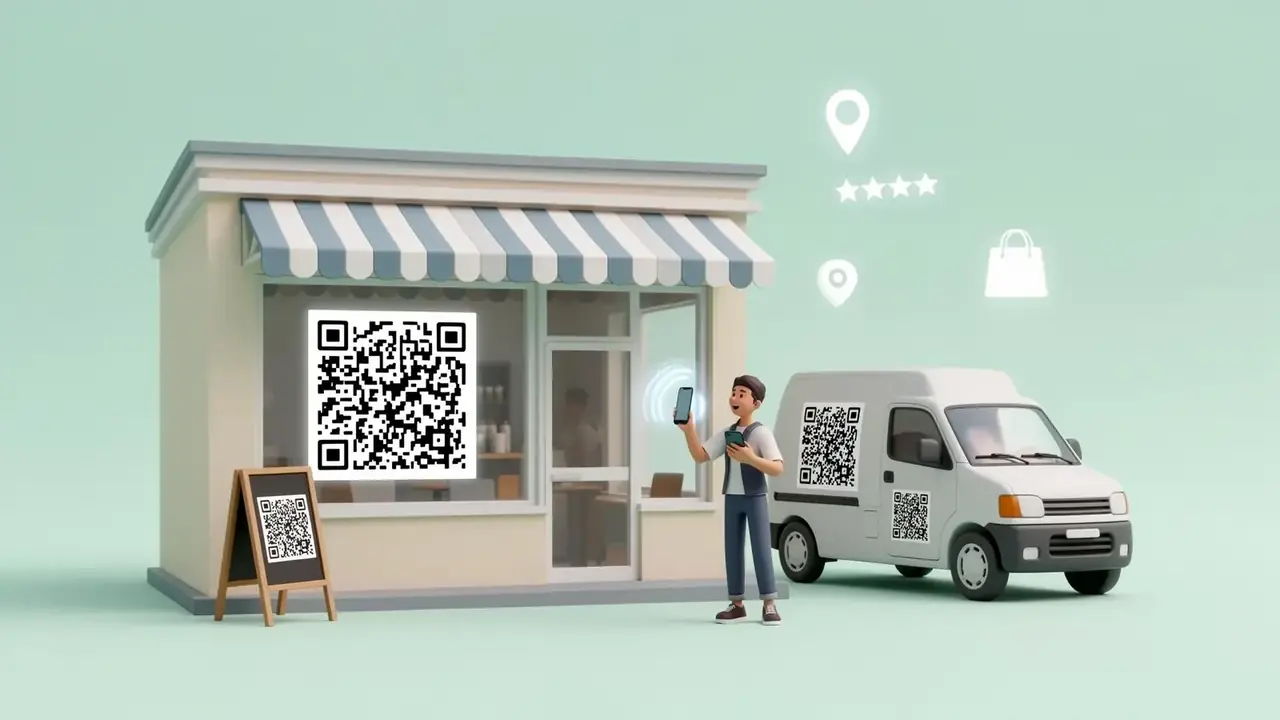
The closed-hours scan is one of the most underrated lead sources in local business. Someone walks past at 9pm. Lights off. They are interested. If your front door has a QR code that says 'Tap to see our menu' or 'Tap to book a table' — you just turned a missed visit into a booked one. Put one on the door, the window, and inside the entryway for walk-ins to scan while waiting.
2. Vehicles and delivery trucks
A plumber's van sitting in traffic is a billboard your competitors have to pay $3,000 a month for. Slap a big, scannable QR code on the back panel that opens 'Book a free quote' and you have a billboard that actually closes leads. Same for food trucks, contractor pickups, mobile groomers, and locksmiths.
3. Flyers, postcards, and direct mail
Direct mail still works — but only if you make the next step trivially easy. A QR code that opens 'Claim your $20 off' beats any phone number printed in 8-point type. The scan is the call to action.
4. Tables, counters, and receipts
Tabletop QR codes for restaurants, cafes, salons, and waiting rooms are pure gold. Not for menus — most of those already exist. For loyalty signups, leaving a Google review, joining the SMS list, or tipping. Every customer is already on their phone. Give them something to scan.
5. Yard signs and event signage
Real estate yard signs, open house signs, festival booths, farmers market tents, contractor job sites — all of them have a captive audience that is already curious. A clean QR code with a clear caption ('Tap for details', 'See current listings', 'Get the menu') turns that curiosity into a click.
6. Packaging, business cards, and uniforms
On the back of every business card. Inside every shipped package. On the back of staff t-shirts at a busy event. The scan happens after the customer has already met you — which is the moment they are most willing to follow up.
What the QR code should actually link to
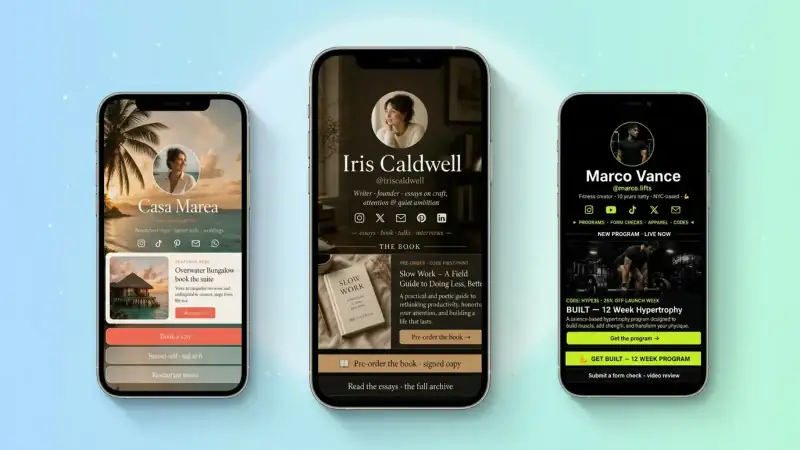
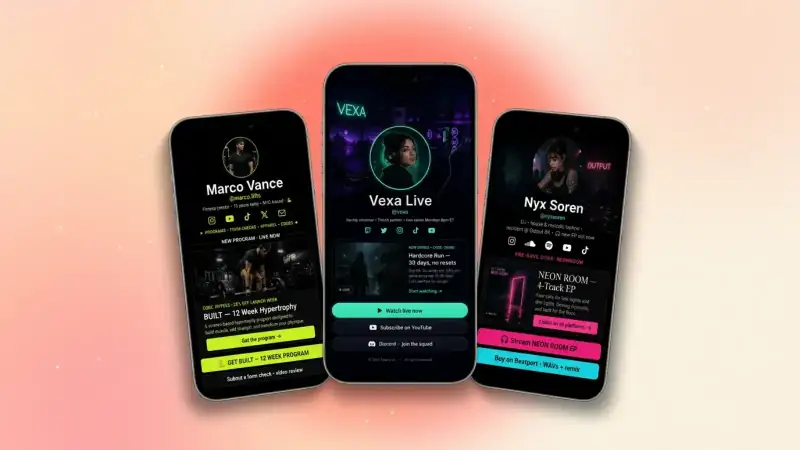
This is where most local businesses lose. They link the QR to a homepage, a Facebook page, or a Google Maps pin — all of which require the visitor to figure out what to do next. The pages that convert are simple, fast, and lead with one action. A TinyBio link page is purpose-built for this.
- Top button: 'Book now', 'Order online', or 'Call us'
- Second: 'Get directions' (Google Maps deep link)
- Third: 'Today's hours' or 'Current promo'
- Below: menu, gallery, reviews, contact form, social links
Every QR code is a promise. The promise is: tap me and the next step will be obvious. Break that promise once and the customer never scans you again.
Use one QR code per surface — and track it
If you put the same QR code on five different surfaces and one of them generates 80% of the scans, you want to know. The easy way: create a TinyBio for the business and use the built-in QR code generator. Every scan is tracked. You see exactly which channel is producing leads — and you can move budget toward what works.
TinyBio has a free QR code generator built right into the editor. One click — clean black-and-white or branded color — ready to print on signs, trucks, flyers, and packaging.
Common mistakes that kill scans
- 1Linking to a slow homepage instead of one clear action
- 2Making the QR code too small (under 1 inch on print, under 4 inches on a vehicle)
- 3No caption — people need to know WHY they should scan
- 4Low contrast (light gray on white) so cameras struggle to read it
- 5Putting it on a curved surface or behind glare without testing it
- 6Using a free tool that disappears in 30 days and breaks every code
Your weekend project
Pick three surfaces this week — your front door, your vehicle, and your business cards. Generate one QR code that points to a clean TinyBio with your top action up top. Print, stick, drive. Then watch your TinyBio analytics over the next 14 days and see which surface actually produced scans. That single experiment will teach you more about your local marketing than a year of guessing.
Build a TinyBio in 2 minutes, generate your free QR code in one click, and start turning every storefront, vehicle, flyer, and table into a lead source.
Build a bio link page that converts
Free, beautiful, fast. Drag, drop, share — your audience does the rest.
Create your TinyBio