What Is a Link in Bio Page? (Complete Beginner Guide for 2026)
A link in bio page is a single, mobile-friendly mini website that holds all your important links — perfect for Instagram, TikTok, and any social profile that only allows one URL. Here's what it is, how it works, and how to build one in under two minutes.
If you've ever opened an Instagram or TikTok profile and tapped a single tidy link that opened a page full of buttons — shop, latest video, newsletter, contact, podcast — you've used a link in bio page. They're everywhere now, on the profiles of musicians, restaurants, teachers, photographers, plumbers, and Fortune 500 brands. And yet most beginners are still a little fuzzy on what one actually is and why they need it.
This is the no-fluff, no-jargon guide. By the end you'll know exactly what a link in bio page is, what it does, who it's for, what to put on yours, and how to build one for free in under two minutes.
What is a link in bio page, in one sentence
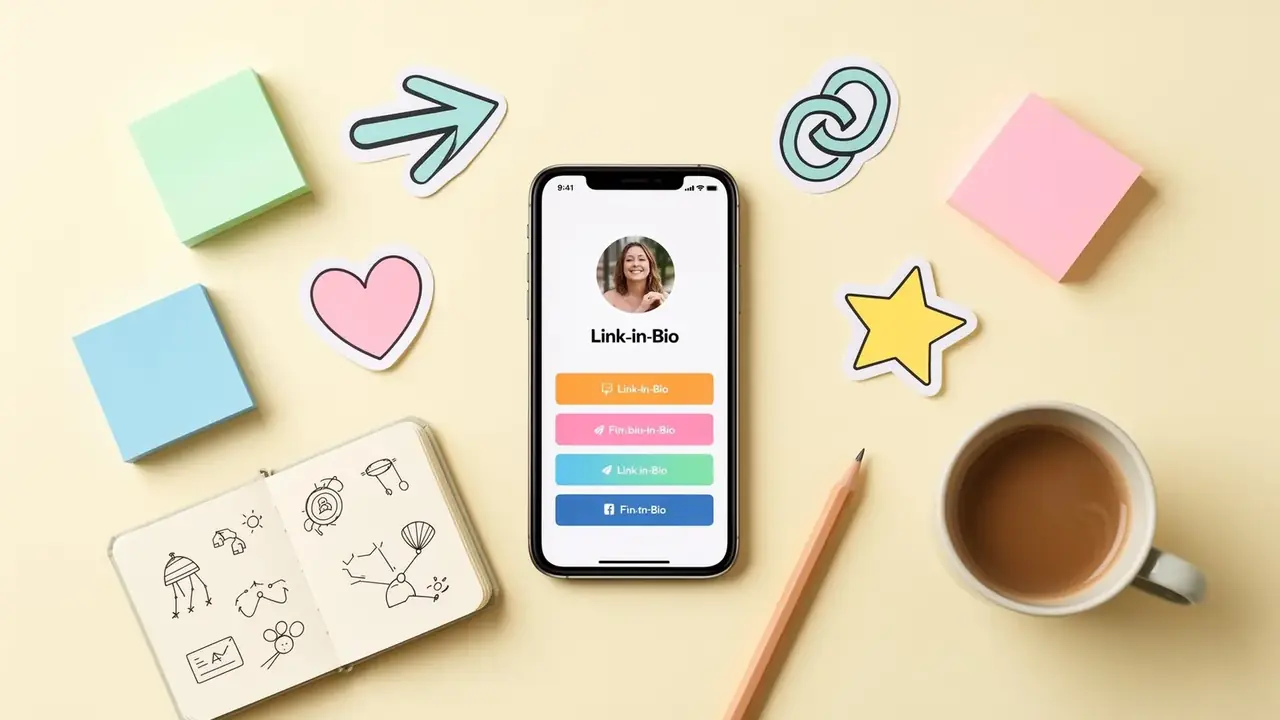
A link in bio page (sometimes called a bio link, link tree, or mini website) is a single web page that lists all your important links in one mobile-friendly place — so you can share just one URL on social media instead of constantly swapping which link goes in your profile.
Instagram, TikTok, and most other platforms only let you put one clickable link in your profile. A link in bio page solves that limit. You drop your one TinyBio URL into your profile, and visitors who tap it land on a page where they can choose where to go next: your shop, your latest blog post, your YouTube channel, your booking calendar, your email signup — anything you want.
Your social profile is the front door. Your link in bio is the lobby — short, clear, and pointing every visitor exactly where they want to go.
Why social platforms force you into one link
Instagram, TikTok, Threads, X, Pinterest, and most other social apps want you to keep posting on their platform — not click out to other websites. So they intentionally limit profiles to a single clickable URL. Anything you put in a caption is plain text. People can read it, but they can't tap it.
That single link is the only doorway from your social audience to the rest of the internet. A link in bio page makes that doorway lead somewhere useful instead of somewhere generic.
What does a link in bio page actually look like?
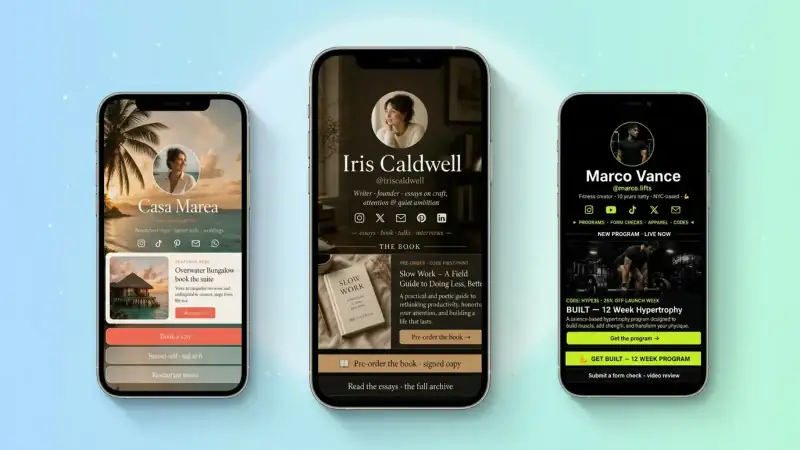
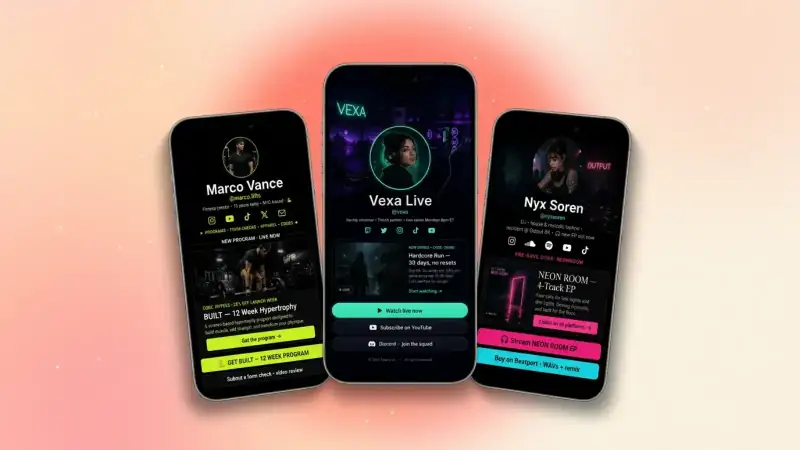
Most link in bio pages share the same simple anatomy:
- A profile photo or logo at the top
- Your name or brand and a short tagline (one line — what you do, who you help)
- A vertical stack of big, tappable link buttons
- Optional extras: a contact form, an email signup, a featured product, social icons, a tip jar
- Subtle branding — colors, fonts, or a background that matches your vibe
It's purposely minimal. The page exists to do one job: route a curious visitor to whatever they came for, in as few taps as possible.
How a link in bio page works (step by step)
- 1You sign up for a link in bio tool (like TinyBio) and pick a custom URL — for example, tinybio.me/yourname
- 2You add link blocks to that page: shop, latest post, contact, anything
- 3You copy your TinyBio URL and paste it into the website field of your Instagram, TikTok, or other social profiles
- 4When a follower taps your bio link, your TinyBio page opens on their phone
- 5They tap whichever button matches what they want, and head to that destination
The whole flow is mobile-first because over 90% of social traffic happens on phones. A good link in bio page loads instantly, looks great on any screen, and never makes the visitor pinch-zoom.
Who uses link in bio pages? (basically everyone)
What started as a creator tool is now used by every kind of profile online:
- Creators and influencers — to point fans at their YouTube, podcast, merch, sponsorships, and email list
- Small businesses — to share hours, address, menu, booking links, and a contact form in one place
- Service pros (realtors, photographers, lawyers, coaches) — to capture leads with a quote form and showcase work
- Musicians and artists — to send fans to Spotify, Apple Music, tour dates, and merch
- Restaurants and cafés — to link to the menu, reservations, delivery apps, and reviews
- Authors, podcasters, and educators — to link to books, episodes, courses, and free resources
- Job seekers and freelancers — as a modern, mobile-friendly portfolio link
If you have a social profile and more than one thing you want a visitor to do, you need a link in bio page. That's most of the internet.
What should you put on yours? (the 5 essentials)
Beginners often overstuff their first page with twelve random links. Don't. The pages that convert best stick to five clear blocks:
- 1A featured link at the top — your single most important call-to-action this week (a launch, a new video, a sign-up)
- 2Two or three core links — shop, latest blog post, YouTube, booking page, whatever supports your goal
- 3A contact method — a form, an email button, or a click-to-text link so people can actually reach you
- 4An email signup — capture an audience you actually own, off the social platforms
- 5Your social icons row — so visitors can follow you on every other platform with one tap
That's it. Five focused blocks beat twenty unfocused ones every single time.
Link in bio vs a regular website — what's the difference?
A regular website is built to tell your full story across many pages — about, services, blog, portfolio, FAQ, contact. A link in bio page is built to convert a single mobile visitor into a single action. Both can coexist; in fact, most people link to their full website from one of the buttons on their TinyBio page.
Three real differences worth knowing:
- Speed — link in bio pages are tiny and load in under 2 seconds on phones; full sites often take 5+
- Setup time — a link in bio page takes 2 minutes; a full website takes hours or days
- Cost — most link in bio tools (including TinyBio) have a generous free plan; websites usually have hosting and domain fees
How much does a link in bio page cost?
Most modern link in bio tools — TinyBio included — are free to start with no credit card. You get a full page, your own URL (like tinybio.me/yourname), unlimited links, mobile-optimized design, and basic analytics. Paid plans usually unlock things like custom domains, advanced analytics, integrations, and removing the small footer credit. For most beginners, free is plenty.
Some older tools (you know the ones) make you pay just to get rid of ugly branding or to use basic features like a contact form. Pick a tool whose free plan is genuinely generous — your future self will thank you.
How to make a link in bio page in 2 minutes
- 1Go to a link in bio tool like TinyBio and click "Get started" — sign up with email or Google
- 2Pick your username — this becomes your URL (e.g. tinybio.me/maya)
- 3Add a profile photo, your name, and a one-line bio that says what you do
- 4Drag in 4–6 link blocks for the things you actually want people to click
- 5Pick a background color or theme that matches your brand
- 6Copy your TinyBio URL and paste it into your Instagram, TikTok, and other profiles
That's the whole thing. Two minutes from "I don't have one" to "my profile now sends visitors somewhere useful".
Link in bio mistakes beginners make (avoid these)
- Adding too many links — visitors freeze and leave; cap it at 6 to start
- Pointing at a slow, generic homepage — defeats the whole purpose; use a fast bio page instead
- Forgetting to include a contact method — people who want to buy or hire you need an obvious way to reach you
- Never updating it — your bio page should change whenever your priorities do (new launch, new video, new offer)
- Skipping a clear top block — without a hero CTA the visitor doesn't know what you actually want them to do
Do link in bio pages help with SEO?
Indirectly, yes. Search engines can index a public link in bio page like any other web page — so a well-titled TinyBio page can show up when someone Googles your name or business. More importantly, a fast, mobile-first link page sends positive engagement signals (low bounce rate, clear taps to your real site) which help the destinations you link to as well.
If your goal is brand searchability, set your TinyBio page title to include your name and what you do ("Maya Chen — Austin Realtor & Home Tours") and add a short, keyword-aware bio. That's most of the SEO win, right there.
Are link in bio pages safe?
A reputable link in bio tool serves your page over HTTPS, never shares your data, and doesn't load creepy third-party trackers. TinyBio is built with that as the default. Avoid sketchy free tools that bury you in ads or sell your visitor data — your audience trusts you when they tap, so the page they land on should be clean, fast, and ad-free.
Quick recap — link in bio in plain English
A link in bio page is a single, mobile-first mini site that lives at one short URL and holds all your important links. You drop it into your social profile, and every follower who taps your bio gets routed exactly where you want them to go — your shop, your latest post, your contact form, your email list. It takes two minutes to build, costs nothing to start, and quietly does work for you 24/7.
If your Instagram, TikTok, or any social profile currently points at a single product page, a homepage, or — worst of all — nothing at all, you have an obvious upgrade waiting.
Free, mobile-fast, no credit card. Pick a username, drag in your links, and have a beautiful TinyBio page live in under two minutes.
Build a bio link page that converts
Free, beautiful, fast. Drag, drop, share — your audience does the rest.
Create your TinyBio